
Printus comes with two basic templates that fit the needs of most stores. However we understand that every store has their own unique wants and needs. You can create and purchase a custom template by visiting this link: https://printus.cloud/printus-template-generator/
Additionally, if your requirements are more complex or the template builder does not meet all your needs, then you can send us a message on the Custom Template Service page.
Once you have your custom template, install it as a plugin on your WordPress website. Activate the plugin and then head over to Printus Settings ->Template Settings and you will see your new template show up in the list:
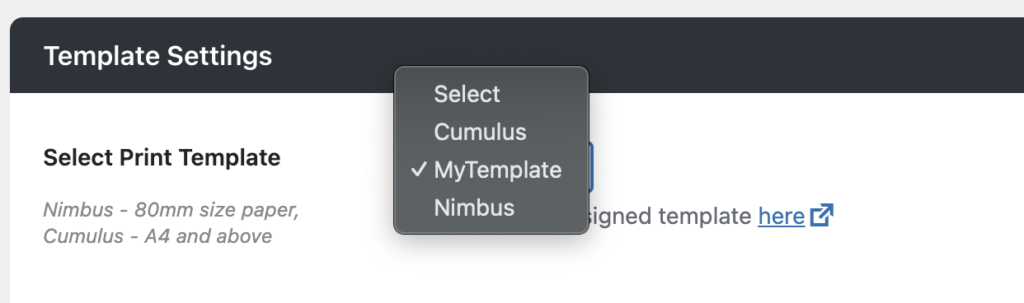
Select your new template and save your changes. The template will then be applied to future orders.


